MENU
Focus and Scope
Editorial Team
Reviewers
Peer Review Process
Online Submission
Publication Ethics
Author Guidelines
Copyright & License
Open Access Policy
Fees
Indexing
AI Policy
Contact
TEMPLET
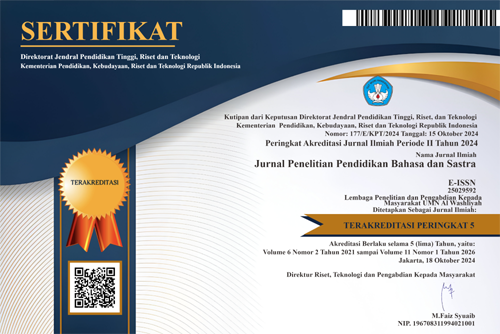
SERTIFIKAT

Author may submit through this OJS. When an author makes a new submission to your journal, the editor is automatically emailed.
Already have a Username/Password for Journal JP2BS?
Go to Login
Need a Username/Password?
Go to Registration
Registration and login are required to submit items online and to check the status of current submissions.
There are five steps for submitting an article in OJS.
To begin, from the Author User Home page click [New Submission] or from the Author page with Active Submissions, select the Click Here link under Start a New Submission, to proceed to the first step of the submission process.
The Summary page contains several sections, including Submission, which displays the author name, submission title, original submission file, any supplementary files, the ability to add a supplementary file, the name of the submitter, the date submitted, the section the article is assigned to, the editor responsible for the submission, and the comments to the editor you made as part of your submission.
If your submission is In Review, you can view its details in the Review section linked from the top of the page. irst, you will see the basic submission information again. An editor has now been assigned to the submission. Below that is the Peer Review section. You will see information about each round of review (there may be one or more, or none yet taken place) and any revised files (e.g., a version of your original submission file with changes marked in) uploaded by each reviewer (Reviewer A, Reviewer B, etc.). In this example Peer Review has started, and the information displayed will change as the submission moves through the stage. Last on this page is the Editor Decision section. From this section you can notify the editor once you have submitted your revised submission file, view the reviewer comments (click on the cloud icon), and upload your revised submission file (if revisions were required). In this example an editor decision has not been made yet, but an author can check back to see updates on this stage. Possible decisions include:
Your submission is considered “In Editing” once it has been approved for publication. Next it will go through Copyediting to correct any grammatical or stylistic errors, Layout Editing to create the published galleys (e.g., HTML or PDF), and Proofreading to take one final look at the article before it is made publicly available. If your submission is In Editing, you can view its details in the Editing section (linked from the top of your page). The first section again includes basic submission information.